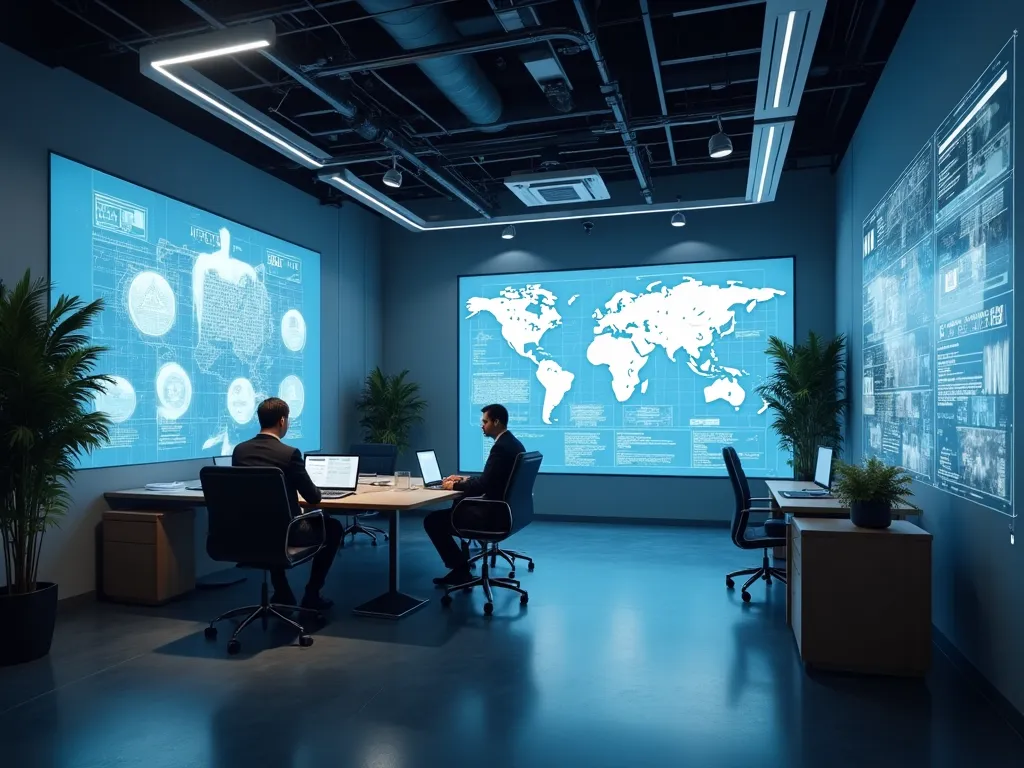
Virtual Workspace Setup Manual
Metaverse & Virtual Economy

Virtual Workspace Setup Manual

A manual for setting up a virtual workspace for meetings, collaboration or events, covering hardware, software choices, avatars, room layout, access settings and privacy. It suits individuals and small teams who want to try working together in a virtual environment and understand what to prepare before they begin.

Levels
4
Starting from
230 credits
Category
Metaverse & Virtual Economy

About this material

Virtual workspaces allow people to meet and collaborate as avatars in a shared 3D environment. This manual explains how to prepare one from the beginning. It covers the equipment you need, from a standard computer to optional headsets, and the questions to ask when choosing a platform. Step-by-step chapters describe creating avatars, arranging rooms for different purposes, sharing screens and documents, and setting who can enter and what they can do. A dedicated chapter on privacy and security explains how to protect meeting content and personal information. Practical checklists at the end of each chapter help you confirm that everything is ready. Read it before setting up your own space and keep it nearby for reference. You will understand the choices involved and be able to plan a workspace that suits your needs.
Each level is unlocked separately

Choose a level

Compare the levels below and add the one that suits you to your cart

01
Level 1

Beginner

230 credits

What this level includes
  • Covered in this level

    You will cover the basics in the manual: hardware options from a laptop to a headset, types of workspace software, creating an avatar and simple room layouts. Key terms and basic access and privacy settings are explained in plain language.

  • Suited to

    This level is for individuals and small teams who have never set up a virtual workspace. It exists to explain what a virtual workspace is, what you need to get started and the simple decisions to make before your first meeting.

  • What you will be able to apply

    You will be able to choose suitable hardware and software for a first try, create an avatar, set up a simple room and apply basic access settings. You will know what to prepare so a first meeting runs smoothly.

02
Level 2

Intermediate

430 credits

What this level includes
  • Covered in this level

    You will learn how to lay out rooms for presentations, brainstorming and small group work, share screens and files, and set permissions for guests. The level also covers audio problems, motion comfort, connection issues and helping less confident colleagues join in.

  • Suited to

    This level suits learners who have tried a virtual workspace and want to use it for regular collaboration. It focuses on designing rooms for real tasks, managing access for different people and solving the common problems that disrupt meetings.

  • What you will be able to apply

    Once complete, you can set up a virtual workspace that suits the tasks your team really does, manage who can access what and fix the most common technical problems quickly. Meetings become easier for everyone taking part.

03
Level 3

Advanced

730 credits

What this level includes
  • Covered in this level

    You will study roles and permissions, moderation, recording and data policies, and protecting confidential information. The level also covers accessibility for people with different devices and needs, planning capacity for events and preparing fallback options if the platform fails.

  • Suited to

    This level is for learners responsible for a virtual workspace used by larger groups or for events. It exists to help you handle privacy, security, accessibility and reliability decisions, where problems affect many people at once.

  • What you will be able to apply

    After this level, you can run a secure, accessible virtual workspace for larger groups, set clear privacy rules and keep events going when something goes wrong. You will make careful decisions that protect both people and information.

04
Level 4

Expert

1,030 credits

What this level includes
  • Covered in this level

    You will combine hardware, software, room design, access, privacy and support into one workspace plan. The level covers comparing virtual workspaces with ordinary video tools, gathering feedback, setting usage guidelines and reviewing the setup as needs and technology change.

  • Suited to

    This level is for experienced learners deciding how, and whether, virtual workspaces should fit into an organisation. It focuses on the trade-offs between presence, cost, accessibility, privacy and simpler tools, and on bringing every part of the manual together.

  • What you will be able to apply

    You will be able to produce a complete, documented plan for virtual collaboration, justify where it adds value and where simpler tools are better, and guide others in using it well. You can review and improve the setup as your needs evolve.

Levels are unlocked with credits from your balance. You can add more credits at any time.